YouTube Timestamp Link Generator – Create Direct Video Links Easily
Created on 8 November, 2025 • Generator tools • 56 views • 2 minutes read
Learn how to use a YouTube Timestamp Link Generator to create direct video links. Save time, increase engagement, and highlight important moments effortlessly.
If you spend a lot of time on YouTube, you know how frustrating it can be to find a specific moment in a long video. Here comes the YouTube Timestamp Link Generator, a simple tool that allows you to create links pointing to a specific time in a video. Instead of telling someone, “Check out the video at 12 minutes and 30 seconds,” you can share a direct link that opens exactly at that moment.This tool is perfect for educators, marketers, content creators, or anyone who wants to save time and improve efficiency. By using timestamp links, you can highlight important parts of tutorials, interviews, music videos, or gaming clips with ease.
How Does a YouTube Timestamp Link Generator Work?
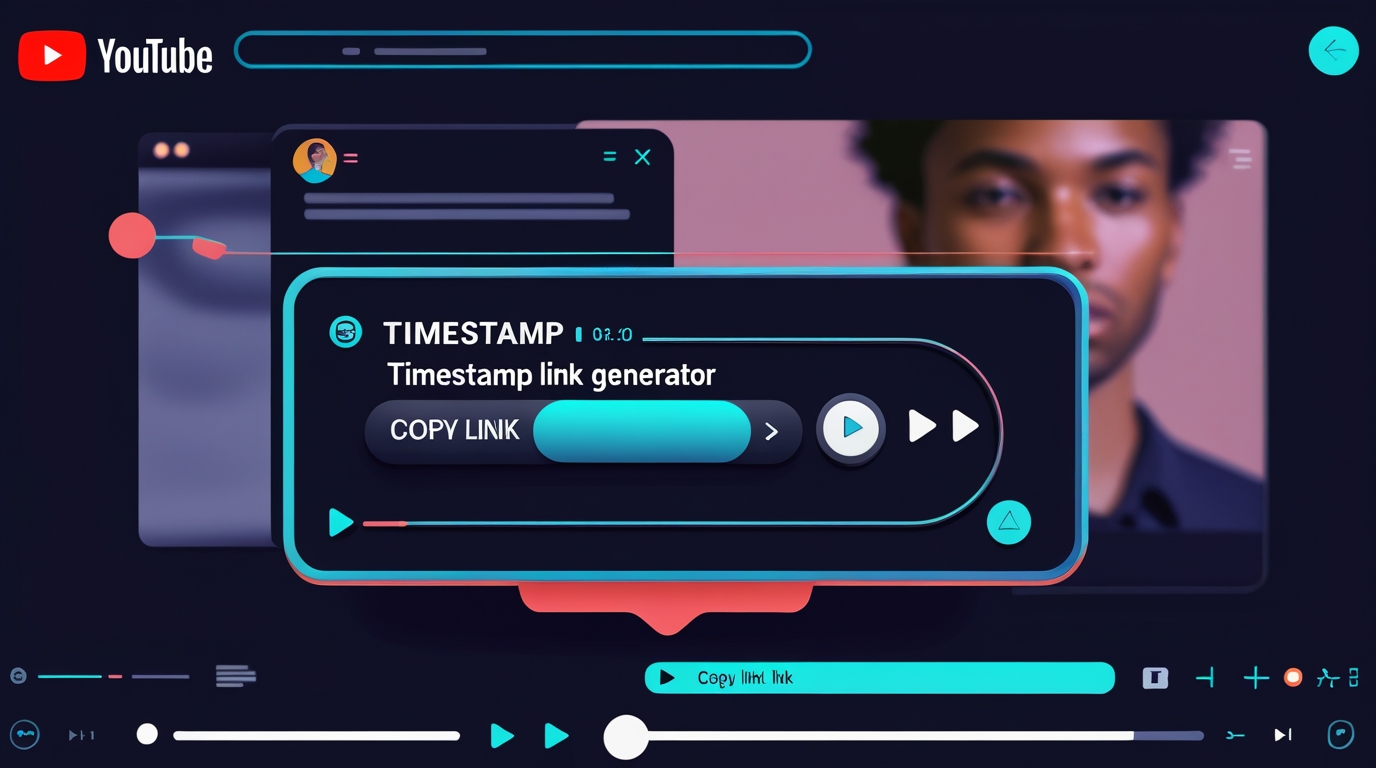
Using a YouTube Timestamp Link Generator is easy, and it only takes a few steps. First, you copy the video URL from YouTube. Then, you enter the exact minute and second where you want your audience to start watching. After that, the generator automatically creates a unique link.
For example, if you want to share a video starting at 5 minutes and 20 seconds, the tool will generate a URL like this:
https://youtu.be/VideoID?t=320
This way, anyone who clicks the link will start watching exactly at the desired time, saving them the hassle of scrolling through the video.
Why Use a YouTube Timestamp Link Generator?
There are many reasons why people love using a YouTube Timestamp Link Generator. First, it saves time. Instead of explaining which part of the video to watch, you provide a direct link. Second, it increases engagement. People are more likely to watch videos when they are guided directly to the most relevant part.
Moreover, it helps with organization. If you manage a playlist or a video series, timestamp links make it easier to reference specific moments. This is particularly useful for teachers who share lecture highlights, marketers who promote products, or vloggers who want to highlight fun moments in their videos.
Additionally, timestamp links improve user experience. When you direct viewers to exactly what they want, they are more satisfied and more likely to return for future content.
How to Create Timestamp Links Manually
Even without a generator, you can create timestamp links manually. Simply follow these steps:
Open the YouTube video.
Pause at the exact moment you want to share.
Right-click on the video and select “Copy video URL at current time”.
Share the link with anyone.
Although this method works, a YouTube Timestamp Link Generator is faster, especially if you need multiple links for different moments in a video.
Tips for Using Timestamp Links Effectively
To get the most out of timestamp links, follow these tips:
Use clear descriptions alongside your link so viewers know what to expect.
Share links in blogs, emails, or social media posts to increase traffic.
Combine timestamp links with calls to action for higher engagement.
Track performance using YouTube Analytics to see which parts of your video attract the most attention.
In conclusion, a YouTube Timestamp Link Generator is an essential tool for anyone who wants to make sharing YouTube videos easier, faster, and more effective. By using timestamp links, you save time, improve engagement, and provide a better viewing experience for your audience. Whether you are a content creator, marketer, teacher, or just a YouTube enthusiast, this tool is a game-changer.
Popular posts
-
-
-
-
-
DNS LookupChecker tools • 99 views