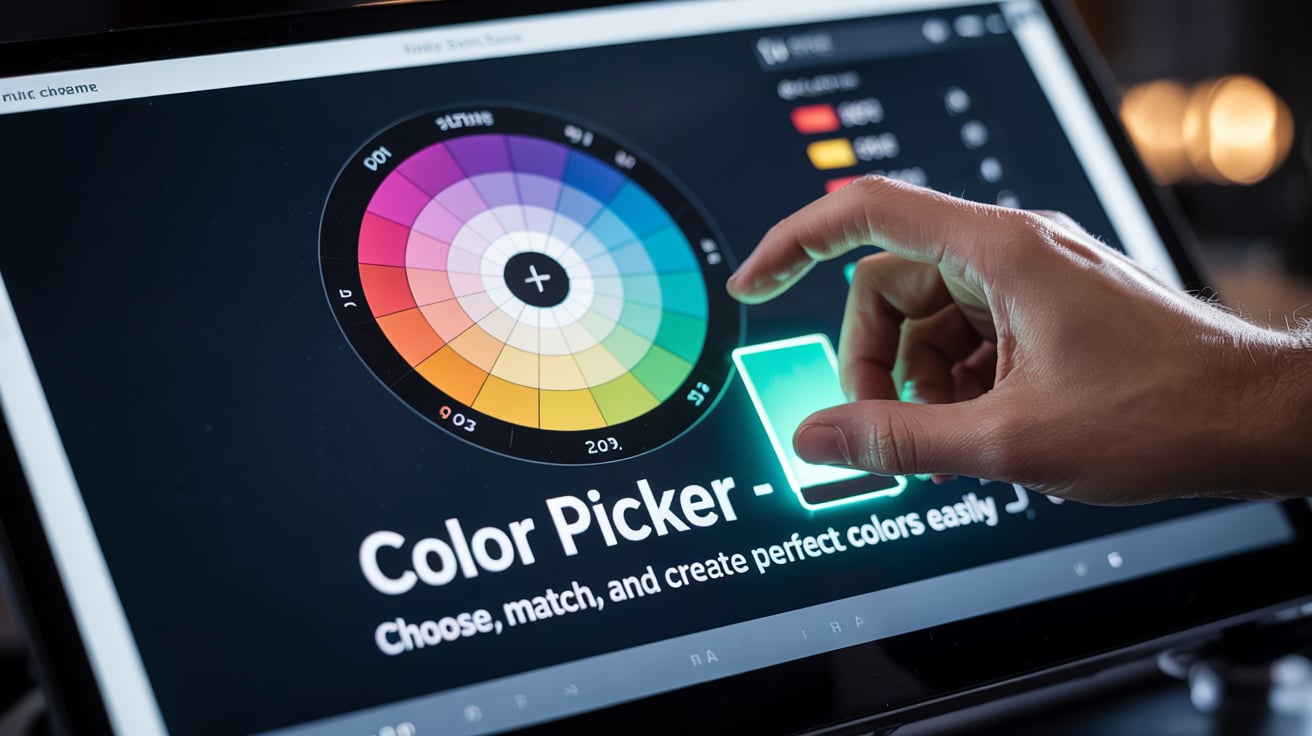
Color Picker – Choose, Match, and Create Perfect Colors Easily
Created on 10 November, 2025 • Misc tools • 135 views • 2 minutes read
Discover the best Color Picker tools online! Learn how to find, mix, and apply perfect colors for your designs. Simple, fast, and beginner-friendly color tool guide.
Finding the right color can be tricky. Whether you are a designer, developer, or just someone who loves colors, a Color Picker can make your work much easier. It helps you choose, mix, and match colors quickly, so your projects always look great.🌈 What Is a Color Picker?
A Color Picker is a digital tool that lets you select and identify colors from anywhere on your screen or within an app. It usually comes with a color palette, sliders, and input boxes for color codes like HEX, RGB, or HSL.
Because it is so easy to use, anyone can create beautiful color combinations—even without design experience. Plus, it helps keep your work consistent, which is very important in branding and design.
💡 Why You Should Use a Color Picker
Using a Color Picker saves time and reduces stress. Instead of guessing which shade fits best, you can see the exact color instantly. Moreover, it allows you to copy color codes for quick use in websites, digital art, or print designs.
✅ Main Benefits
Accuracy – You get the exact color code you want.
Speed – Quickly find, test, and apply colors without switching tools.
Consistency – Keeps your design elements in perfect harmony.
Creativity – Lets you explore new color combinations and gradients.
As a result, your design process becomes faster and more enjoyable. Furthermore, most Color Pickers are free, making them accessible to everyone.
🎨 How Does a Color Picker Work?
A Color Picker works by detecting the color values of pixels on your screen. When you click on a color, it gives you the color’s code. You can then copy this code and use it anywhere—from a website background to a logo or illustration.
Some tools also allow you to adjust brightness, contrast, and saturation. In addition, you can save your favorite colors for later use. Therefore, it becomes a complete color management system in one simple interface.
🖌️ Best Color Picker Tools Online
There are many Color Picker tools online. Here are a few popular ones that people love using:
Adobe Color – Great for creating and saving color themes.
Coolors.co – Instantly generates color palettes with one click.
Canva Color Picker – Perfect for beginners and social media creators.
HTML Color Codes – Offers detailed information for web developers.
Because these tools are user-friendly, you can start using them immediately without learning complicated software.
To sum up, a Color Picker is a must-have tool for anyone working with visuals. It helps you discover beautiful colors, stay consistent, and design with confidence. Most importantly, it saves time and boosts creativity. So next time you start a design project, use a Color Picker to make your colors stand out perfectly.
Popular posts
-
-
-
-
-
DNS LookupChecker tools • 99 views